
Gemini 3.1 Flash Image · Available on Nano Banana 2.1

Nano Banana 2 AI Image Generator & Editor

Bring your next image idea to life with Nano Banana 2, Google’s Gemini 3.1 Flash Image model. Describe a new scene or upload a photo to edit, then shape the lighting, style, and composition for product visuals, posters, and social content.

Text to imageReference-image editing1K · 2K · 4KSeven aspect ratios

What is Nano Banana 2?

Nano Banana 2 is Google’s image generation and editing model, also known as Gemini 3.1 Flash Image. It combines text-to-image creation with reference-guided editing, with an emphasis on fast iteration and following creative instructions. On Nano Banana 2.1, you can use it in your browser to turn a brief into a visual or explore changes to an existing image. Nano Banana 2.1 is an independent service that provides access to the model.

What can you create with Nano Banana 2?

Build a product campaign, rethink a portrait, explore a room, or develop a character. Start with a clear brief and refine one detail at a time.

Creative illustrations of the use cases below; not verified Nano Banana 2 outputs.

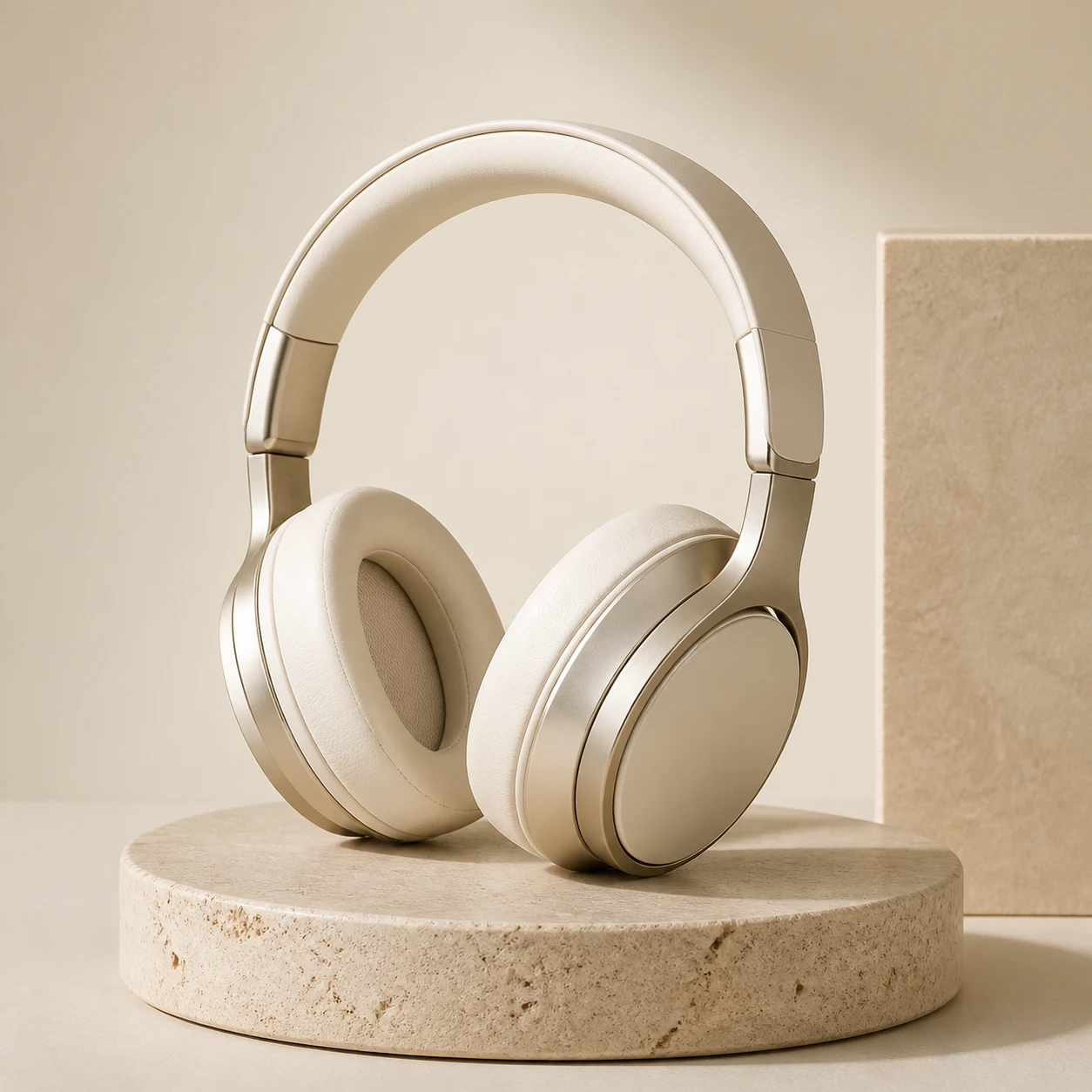
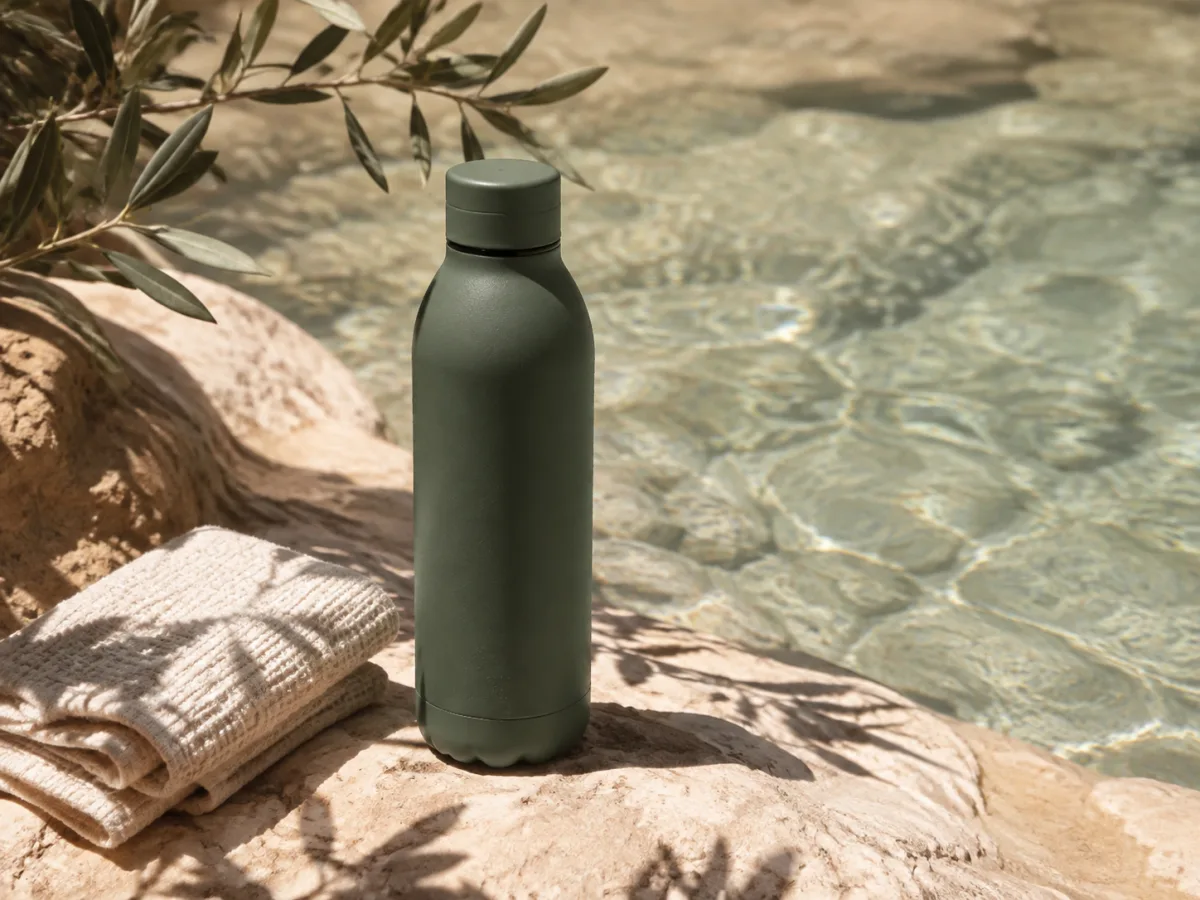
Sage green bottle on sunlit stone beside water, a product advertising concept01

Product images, ads, and poster concepts

Describe the product, surface, background, and lighting to explore a campaign direction before arranging a shoot. Add a short headline in quotation marks when you need text in the image. Nano Banana 2 can help draft packaging, launch graphics, and social posts; check spelling and product details before publishing.
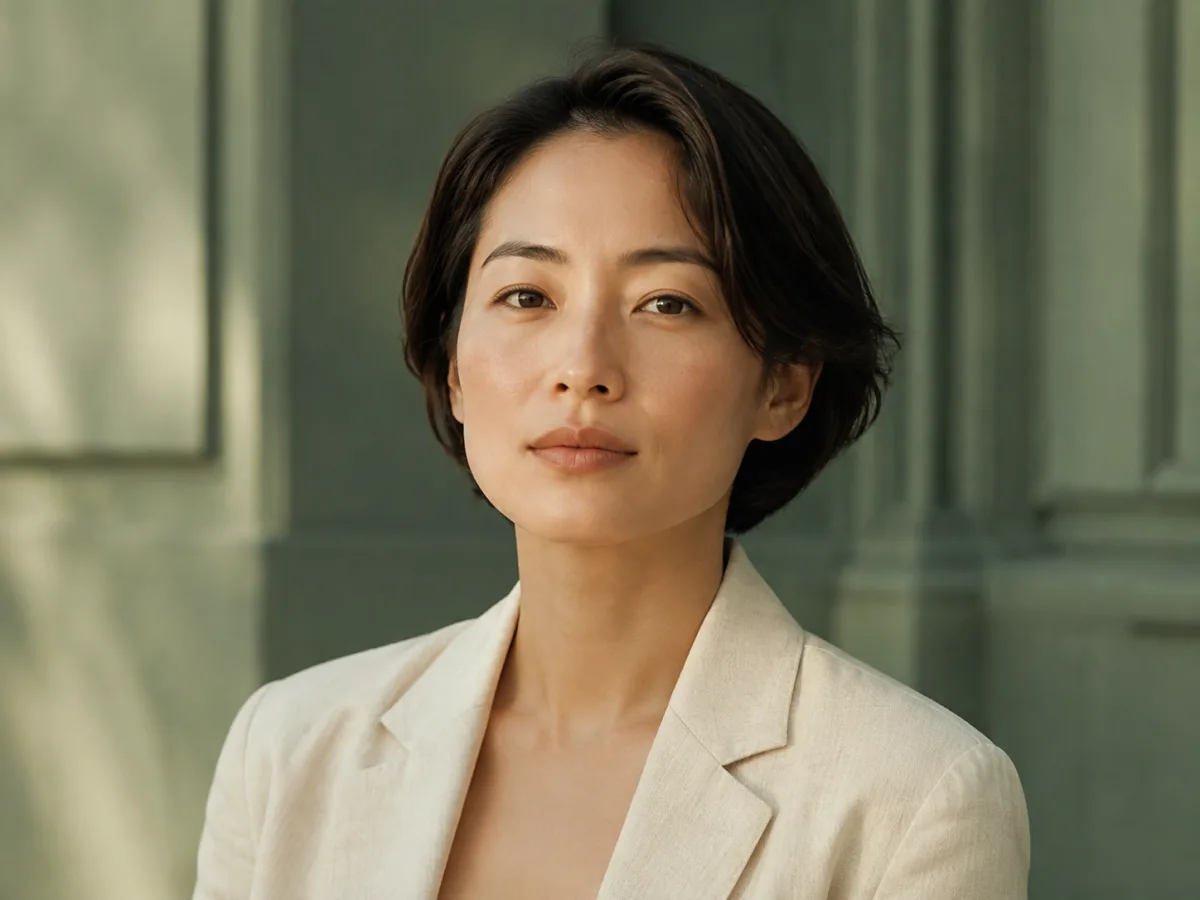
Portrait in an ivory jacket with soft light and a sage green background02

Portrait editing with natural-language instructions

Upload a portrait and describe a new setting, outfit, or lighting treatment. Tell the model which details to preserve, such as the face, pose, and framing. A specific edit request gives it clearer direction than “make it better,” while keeping you in control of the creative brief.

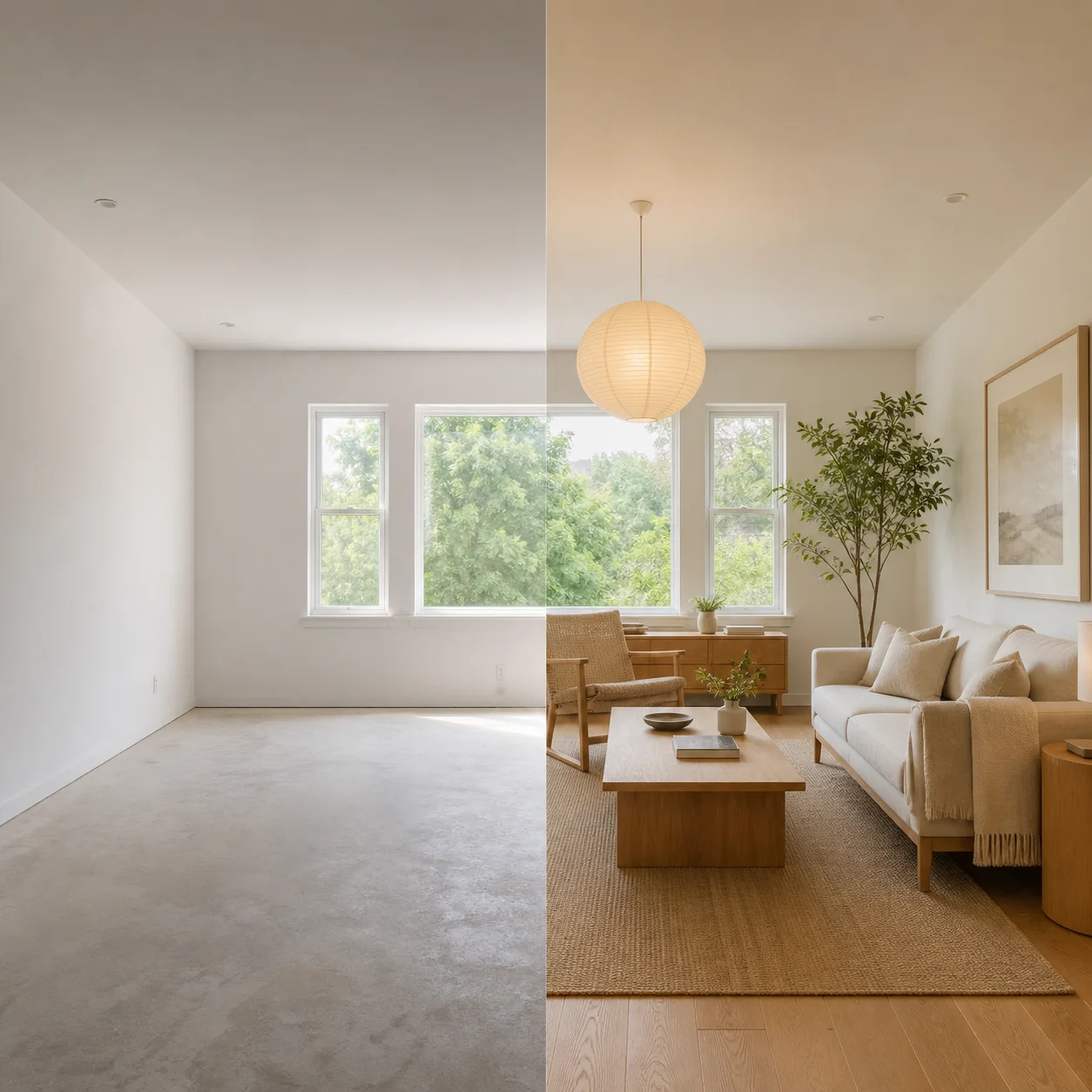
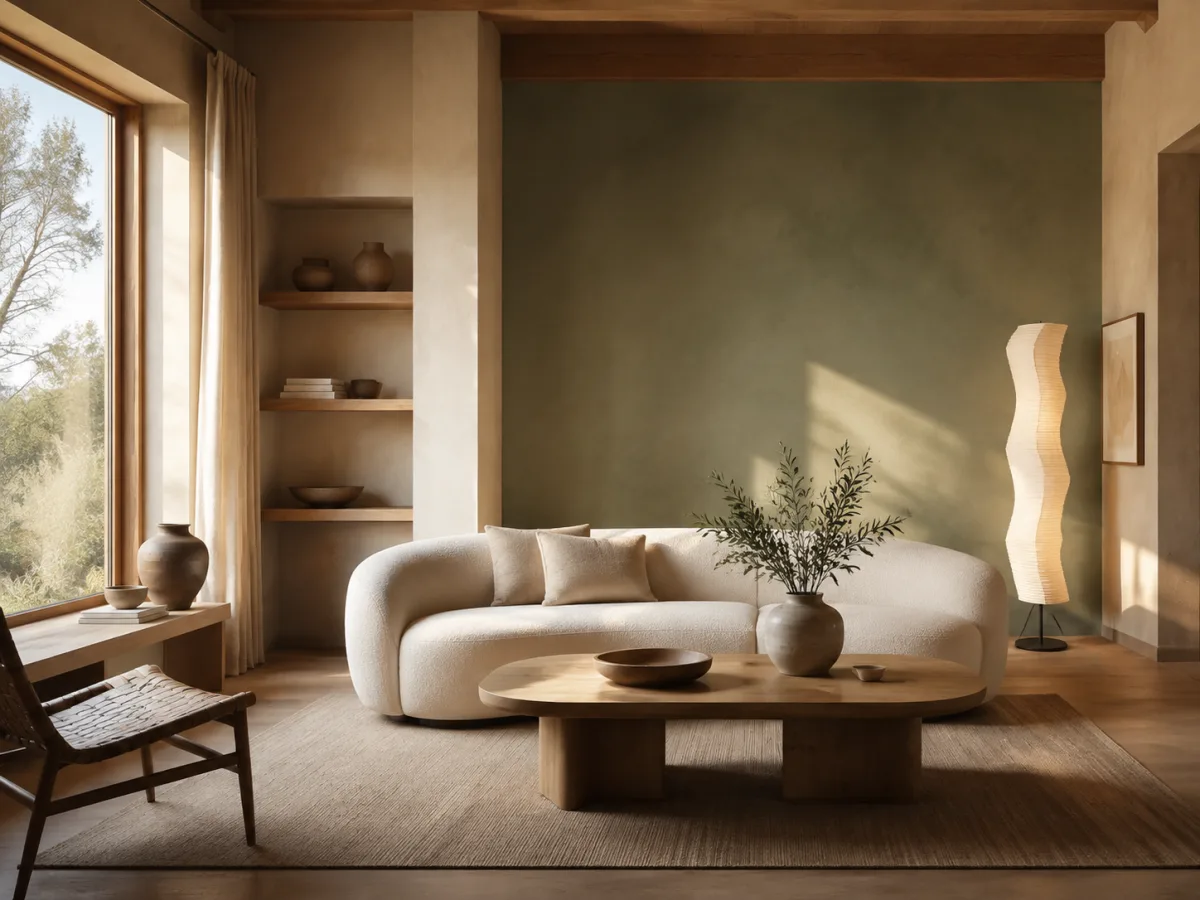
Warm living room with a curved cream sofa, oak table and sage green wall03

Interior ideas and different visual styles

Explore how a room could look with warmer light, a new material palette, or different furniture. Use a reference photo to guide the layout, or start from a written description. Compare photographic, illustrated, and 3D directions as concept images rather than exact architectural plans.

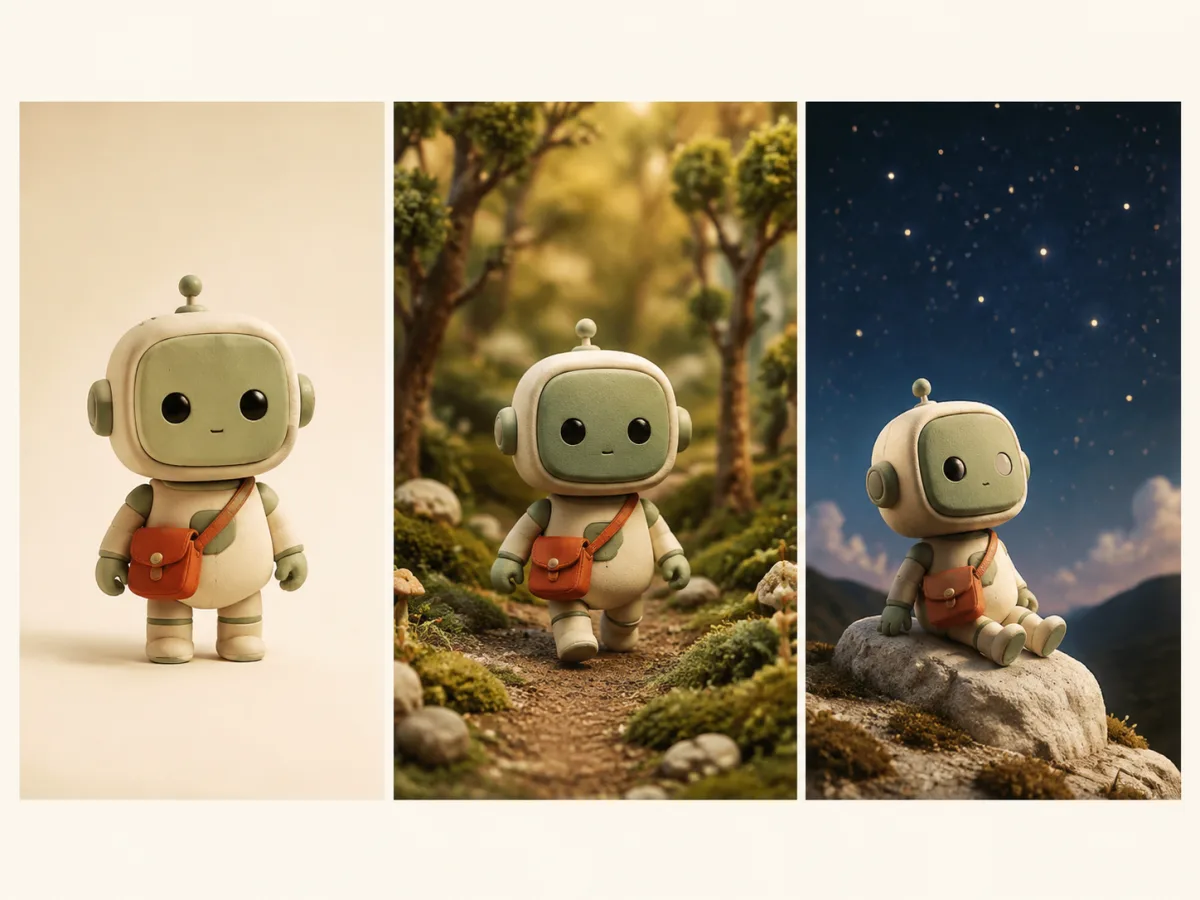
Small green robot shown in a studio, forest and nighttime scene04

Characters and reference-guided visual series

Use reference images to guide a character’s appearance, an object, or a recurring style across new scenes. Nano Banana 2.1 accepts up to five JPEG, PNG, or WebP references. Describe what each reference contributes and review the results for consistency; likeness and small details can vary between generations.

How to use Nano Banana 2 on Nano Banana 2.1

The workspace above already has Nano Banana 2 selected. No API setup or separate software is needed.

  1. 01

    Describe your image or add references

    Write what you want to create, including the subject, setting, lighting, and style. To edit a photo, upload it and state both the change you want and the details that should stay the same.

  2. 02

    Choose your size and check the cost

    Select one of seven aspect ratios and choose 1K, 2K, or 4K. Sign in and make sure you have paid access and enough credits. The generator shows the cost for your selected settings before submission.

  3. 03

    Generate, review, and download

    Submit your request and inspect the result. Download the image you want to keep. For another edit, use the result as a reference and describe the next change. Generation time varies with the request and service load.

Write a clearer Nano Banana 2 prompt

Specify the subject, composition, lighting, style, and any exact text. For an edit, state what to change and what to preserve. These starting prompts are for you to adapt.

Product campaign

Create a studio photograph of a matte green water bottle on pale stone. Soft light from the left, visible material texture, cream background, and space on the right for a headline.

Poster with text

Design a minimal coffee poster with an overhead espresso cup and warm ivory paper. Use the exact headline “SLOW MORNINGS” in dark green type. Keep the layout spacious and the headline easy to read.

Reference-photo edit

Use the uploaded photo as the base. Change the background to a quiet garden at sunset. Keep the person’s face, clothing, pose, and framing as close to the original as possible.

Pricing

Choose the plan that fits your needs

Starter

-50%
$10$5/month

For trying ideas and occasional creation

Billed yearly ·$120$60/year

Subscribe

  • Everything in Free
  • 1,000 credits every month
  • Priority processing queue
  • Access to advanced AI models
  • Supported 2K and 4K output
  • Commercial use while subscribed
  • 50% bonus credits on credit packs while subscribed
    Recommended

    Pro

    -50%
    $20$10/month

    For regular creation and professional projects

    Billed yearly ·$240$120/year

    Subscribe

    • Everything in Free
    • 2,200 credits every month
    • Priority processing queue
    • Access to advanced AI models
    • Supported 2K and 4K output
    • Commercial use while subscribed
    • 50% bonus credits on credit packs while subscribed

      Ultimate

      -50%
      $40$20/month

      For high-volume image production

      Billed yearly ·$480$240/year

      Subscribe

      • Everything in Free
      • 5,000 credits every month
      • Priority processing queue
      • Access to advanced AI models
      • Supported 2K and 4K output
      • Commercial use while subscribed
      • 50% bonus credits on credit packs while subscribed

        Nano Banana 2 FAQs

        Answers about the model, paid access, image sizes, and editing on Nano Banana 2.1.

        01

        Is Nano Banana 2 free on Nano Banana 2.1?

        Nano Banana 2 is a paid model on Nano Banana 2.1. Nano Banana 2.1’s free generation option uses GPT Image 2.5 Flare at 1K Standard, not Nano Banana 2.

        02

        Is Nano Banana 2 the same as Gemini 3.1 Flash Image?

        Yes. Nano Banana 2 is the name used for Google’s Gemini 3.1 Flash Image model. It is different from the original Nano Banana and from Nano Banana Pro.

        03

        How is Nano Banana 2 different from Nano Banana Pro?

        Nano Banana 2 emphasizes fast generation and iteration, while Nano Banana Pro is positioned for more demanding visual work. On Nano Banana 2.1, both offer 1K, 2K, and 4K with different credit costs.

        04

        Can Nano Banana 2 edit an existing photo?

        Yes. Upload a JPEG, PNG, or WebP image and describe the changes. Paid access supports up to five reference images.

        05

        Does Nano Banana 2 support 4K images?

        Yes. Nano Banana 2.1 offers 1K, 2K, and 4K output for Nano Banana 2 with seven aspect ratios.

        06

        Can Nano Banana 2 put readable text in an image?

        The model supports in-image text generation. Use short wording, put the exact text in quotation marks, and check the result.

        07

        How much does a Nano Banana 2 image cost?

        The workspace shows the credit cost before you submit. Nano Banana 2 has no separate quality selector on Nano Banana 2.1.

        08

        Can I use Nano Banana 2 images commercially?

        A subscription or active credit pack includes commercial-use rights under Nano Banana 2.1’s terms. You still need the necessary rights to your inputs and must follow applicable terms and laws.

        Create with Nano Banana 2

        Have a product brief, a photo to edit, or a scene in mind? Add your prompt to the workspace and create with Nano Banana 2.