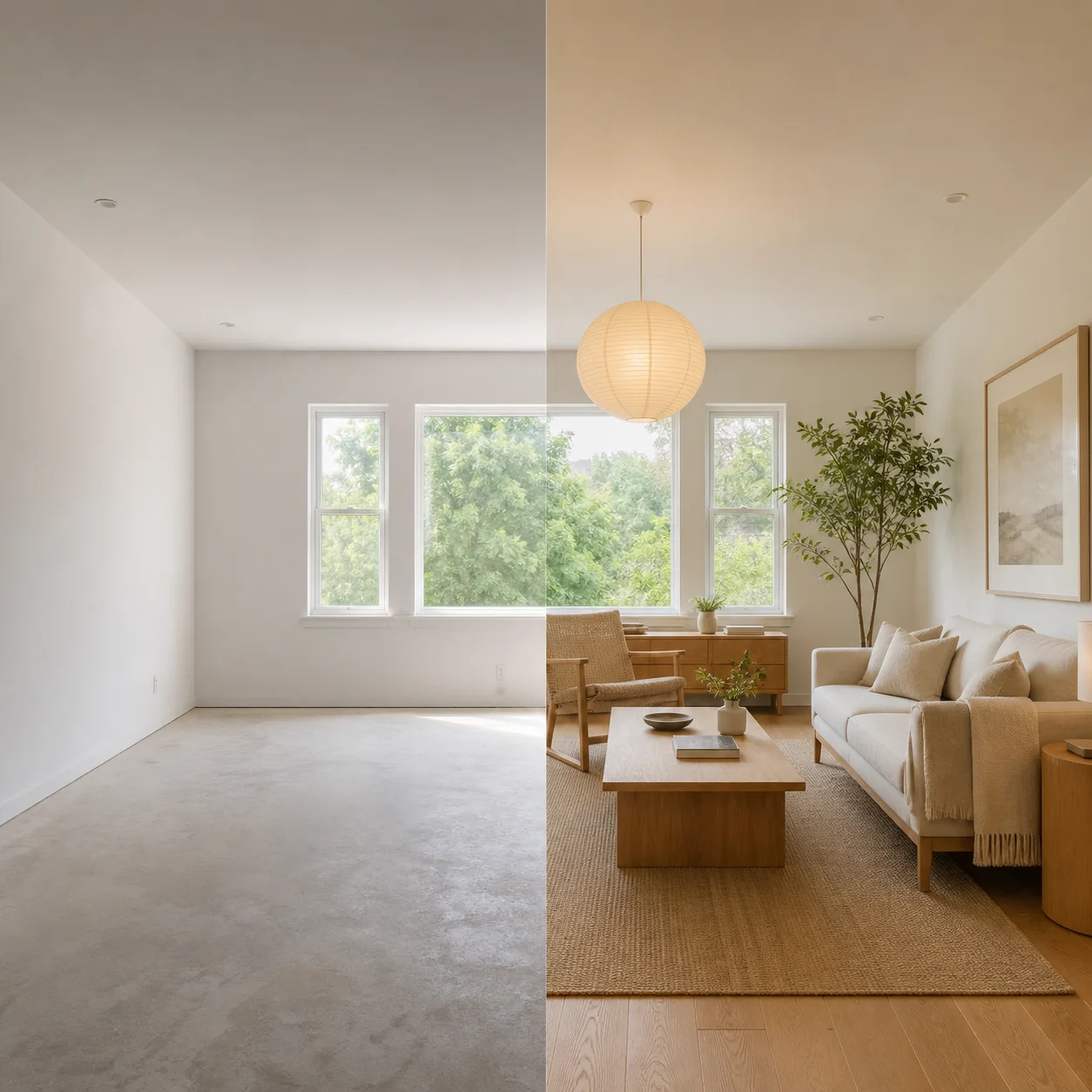


Gemini 3 Pro Image · Create with Nano Banana 2.1

Nano Banana Pro AI Image Generator & Editor

Create considered visuals with Nano Banana Pro: a headline-led campaign, packaging in two languages, or a detailed illustrated explainer. Describe the layout, exact wording, and materials, then bring your brief into the workspace below.

Text in imagesDetailed compositionsReference-guided editingUp to 4K

What is Nano Banana Pro?

Nano Banana Pro is Google’s image generation and editing model built on Gemini 3 Pro. It combines text and image inputs to help with demanding visual briefs, from typography and product mockups to scenes with several subjects. Nano Banana 2.1 is an independent service where you can use Nano Banana Pro in your browser without setting up an API.

Three creative briefs for Nano Banana Pro

Explore the layout, read the brief, and make it your own. Each example pairs a creative illustration with a starting prompt.

Cobalt coffee poster with the headline A BETTER MORNING

Brand posters with a clear visual hierarchy

Put the product and headline at the center of the brief. Specify exact words, generous margins, and the relationship between type, color, and lighting. Review lettering and product details before publishing.

Creative brief

Create a landscape coffee campaign poster. A cobalt blue ceramic cup sits on an ivory stone plinth in warm morning light. Put the exact headline “A BETTER MORNING” above it in elegant dark blue type. Keep a clear hierarchy, generous margins, and realistic ceramic texture.
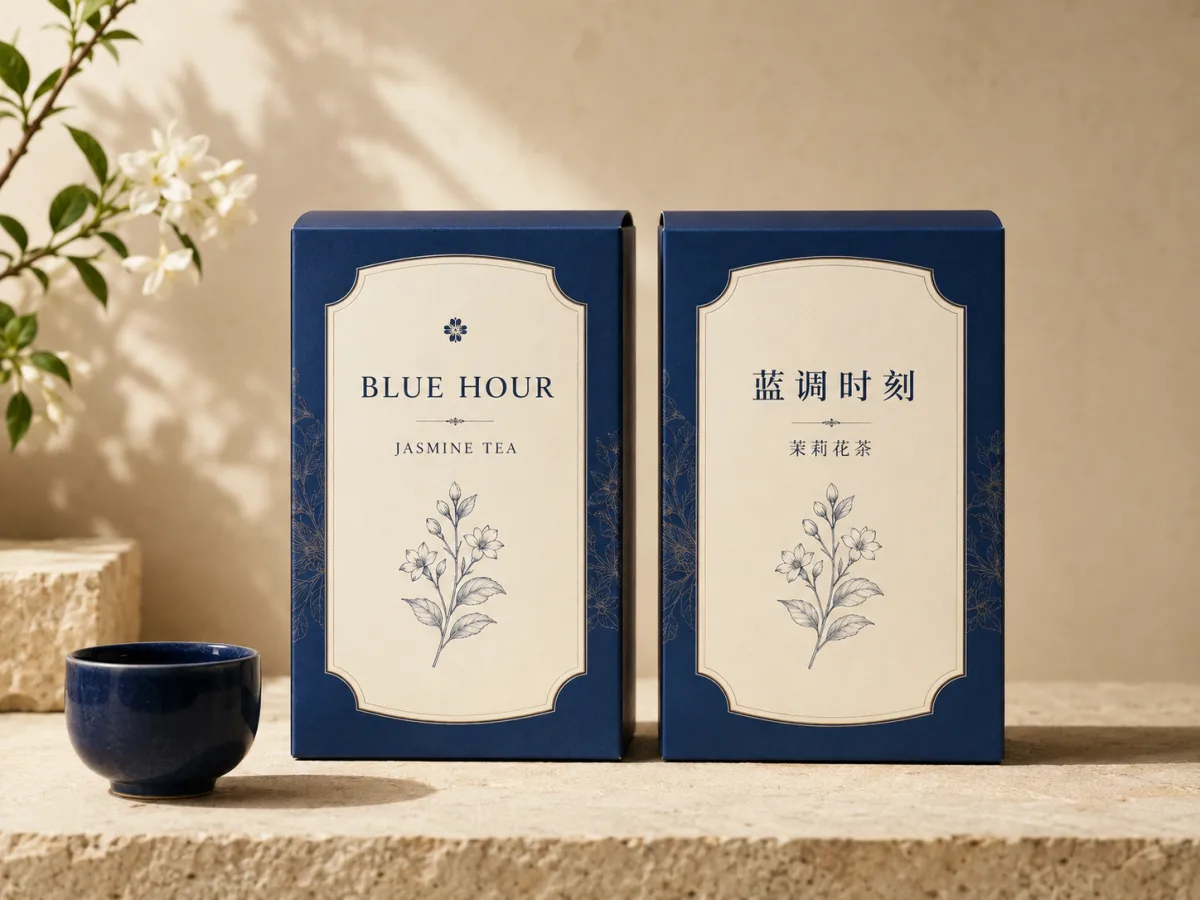
Matching blue and ivory jasmine tea packaging with English and Chinese labels

Packaging for more than one language

Explore an English and Chinese packaging concept with the same palette, structure, and botanical motif. Provide both versions of the wording yourself, then inspect typography and layout in each language.

Creative brief

Design two matching jasmine tea boxes side by side in cobalt blue and ivory. The left box reads “BLUE HOUR” and “JASMINE TEA”; the right reads “蓝调时刻” and “茉莉花茶”. Repeat the same jasmine botanical motif and label layout on both. Photograph them on sunlit stone.

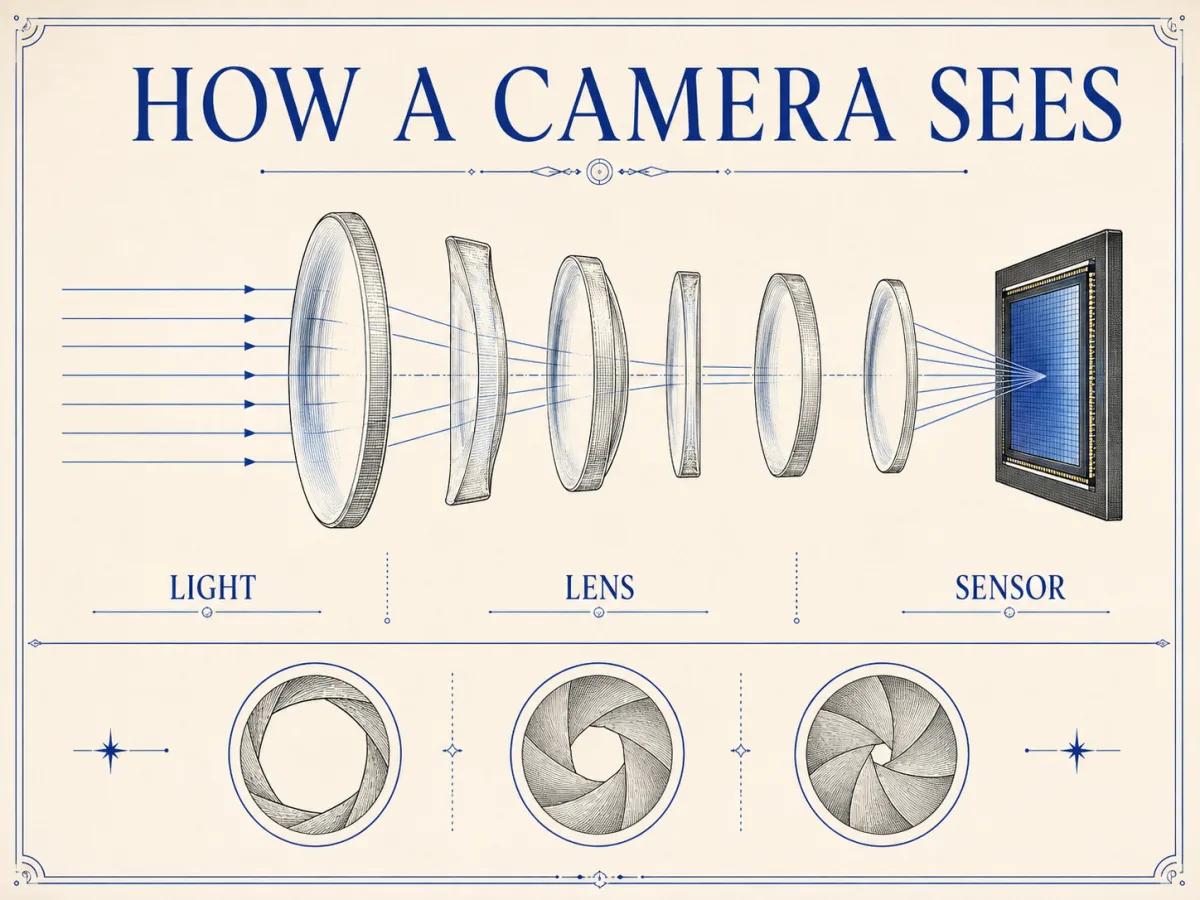
Ivory and cobalt camera diagram with LIGHT, LENS, and SENSOR labels

Detailed diagrams and visual explainers

Give a layered idea a reading order: headline, main illustration, then labels. Specify the parts to show and the information they should communicate. Treat generated diagrams as design drafts and check technical accuracy.

Creative brief

Design an ivory and cobalt infographic titled “HOW A CAMERA SEES”. Show an exploded lens diagram with a light path toward a sensor. Use only the labels “LIGHT”, “LENS”, and “SENSOR”. Add three aperture illustrations below. Use a precise grid and ample space. Review optical accuracy before educational use.

How to use Nano Banana Pro on Nano Banana 2.1

The workspace above already selects Nano Banana Pro. Start with a written brief or a reference photo, then choose the output that fits your project.

  1. 01

    Write your brief and add references

    Describe the subject, composition, lighting, and intended use. Upload reference images when an existing face, object, or style needs to guide the result. For edits, name both the requested change and the details to retain.

  2. 02

    Choose the format

    Select one of seven aspect ratios and 1K, 2K, or 4K resolution. Review the displayed credit cost and confirm your account is ready before submitting. Use the same settings when comparing creative directions.

  3. 03

    Generate, review, and refine

    Inspect the result for text accuracy, composition, and reference details, then download it. To make another edit, upload the result as a reference and describe the next change.

Pricing

Choose the plan that fits your needs

Starter

-50%
$10$5/month

For trying ideas and occasional creation

Billed yearly ·$120$60/year

Subscribe

  • Everything in Free
  • 1,000 credits every month
  • Priority processing queue
  • Access to advanced AI models
  • Supported 2K and 4K output
  • Commercial use while subscribed
  • 50% bonus credits on credit packs while subscribed
    Recommended

    Pro

    -50%
    $20$10/month

    For regular creation and professional projects

    Billed yearly ·$240$120/year

    Subscribe

    • Everything in Free
    • 2,200 credits every month
    • Priority processing queue
    • Access to advanced AI models
    • Supported 2K and 4K output
    • Commercial use while subscribed
    • 50% bonus credits on credit packs while subscribed

      Ultimate

      -50%
      $40$20/month

      For high-volume image production

      Billed yearly ·$480$240/year

      Subscribe

      • Everything in Free
      • 5,000 credits every month
      • Priority processing queue
      • Access to advanced AI models
      • Supported 2K and 4K output
      • Commercial use while subscribed
      • 50% bonus credits on credit packs while subscribed

        Nano Banana Pro FAQs

        Answers about the model, image editing, text rendering, resolution, and using Nano Banana Pro on Nano Banana 2.1.

        01

        Is Nano Banana Pro the same as Gemini 3 Pro Image?

        Yes. Nano Banana Pro is Google’s name for its Gemini 3 Pro Image model.

        02

        Is Nano Banana Pro the same as Nano Banana 2?

        No. They are separate paid model choices on Nano Banana 2.1 with different credit costs.

        03

        Can Nano Banana Pro create text in images?

        Yes. Use short exact wording and review spelling, numbers, and small text in the result.

        04

        Can I edit a photo or combine reference images?

        Yes. Paid access supports up to five JPEG, PNG, or WebP reference images.

        05

        Does Nano Banana Pro support 4K on Nano Banana 2.1?

        Yes. Choose 1K, 2K, or 4K and one of seven aspect ratios.

        06

        Is Nano Banana Pro free on Nano Banana 2.1?

        Nano Banana Pro is paid. Nano Banana 2.1’s free generation option uses GPT Image 2.5 Flare at 1K standard quality.

        07

        How much does Nano Banana Pro cost?

        The workspace displays the credit cost for your selected resolution before submission.

        08

        Can I use Nano Banana Pro images commercially?

        A Nano Banana 2.1 subscription or active credit pack includes commercial-use rights under our terms. You still need the necessary rights to your inputs and must follow applicable terms and laws.

        Create with Nano Banana Pro

        Turn your next creative brief into a product visual, a poster, or a detailed photo edit. Add your prompt and references to start creating with Nano Banana Pro.